

Overview
Qaptly Auto for iOS is a macOS application that simulates GPS locations on connected iOS devices. It runs on your Mac and communicates with your iPhone via USB — no additional tools or Xcode required for daily use.Intended Use
This tool is designed for testing iOS applications that rely on location services. It is intended for:- Developers testing their own apps during development for release builds
- QA teams and external testing vendors validating location-based features
[!CAUTION] Do not use this tool for illegal purposes or to violate the terms of service of any third-party applications. Misuse of GPS simulation may result in account bans, legal consequences, or other penalties. By using this tool, you agree to use it responsibly and in compliance with all applicable laws and regulations.
System Requirements
- macOS: Version 15 or later
- iOS Device: iPhone running iOS 17 or later with Developer Mode enabled
- Disk Space: At least 15MB for the application
Installation Steps
Step 1: Download the Application
Download the latest version of Qaptly Auto for iOS from our official download page: Download Qaptly Auto for iOSStep 2: Install on Mac
- Locate the downloaded
.dmgfile. - Double-click to open the disk image.
- Drag the Qaptly Auto for iOS icon into your Applications folder.
Step 3: Launch the Application
Open Qaptly Auto for iOS from your Applications folder. The main window will appear: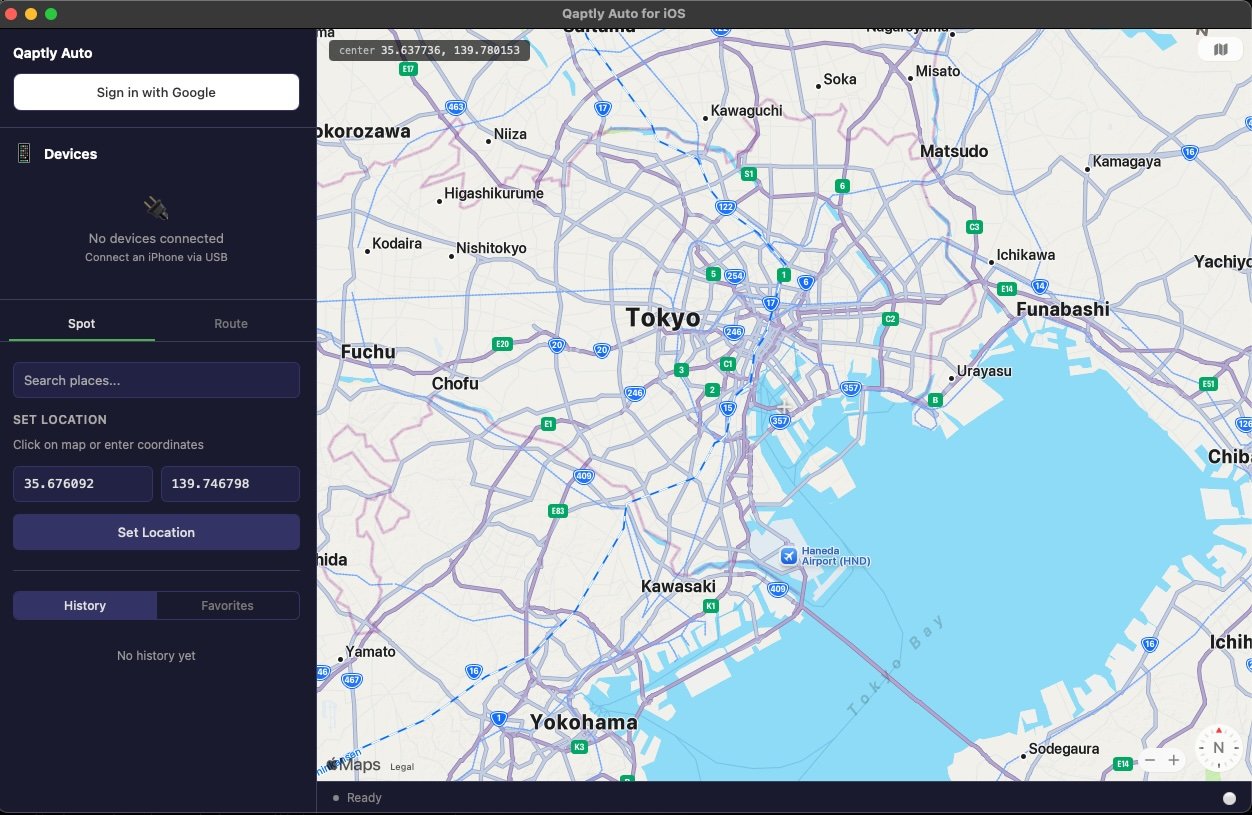
Step 4: Sign In
Click Sign in with Google to log in to your account.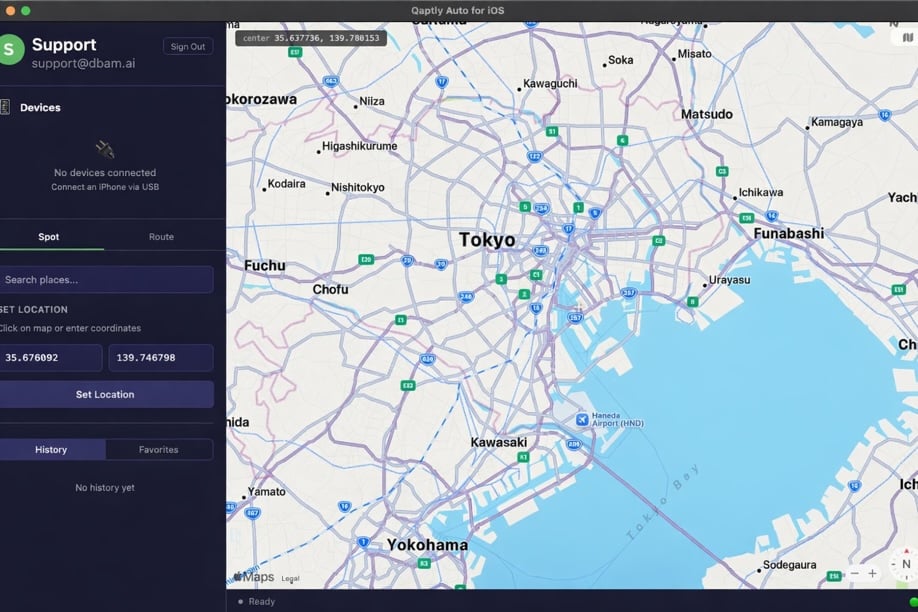
Licensing & Device Binding
- Existing Qaptly Users: If you have a Qaptly subscription, simply sign in with your account. The number of devices you can bind follows your existing subscription plan.
- Non-Qaptly Users: If you do not have a Qaptly subscription, a one-time fee will be charged when you bind a device.